To access the electronic invoices for your orders placed through the Marketplace platform, please go to Makro Marketplace and sign in with your digital account.
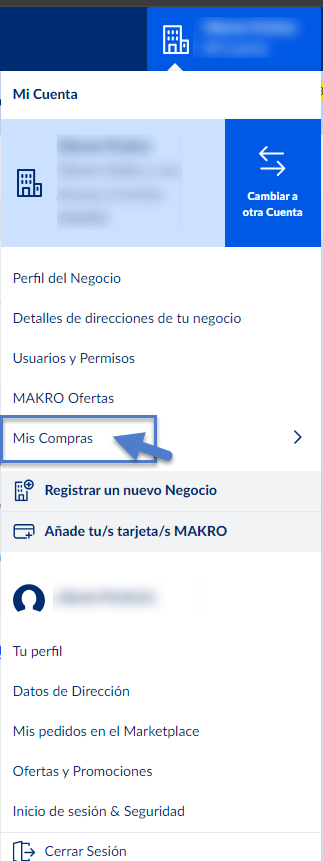
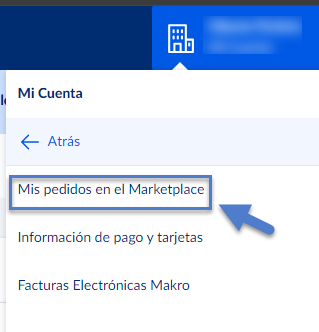
Then, click on your business name under "My Account" in the top right corner. From the dropdown menu, select "My Purchases" and then "My Marketplace Orders".
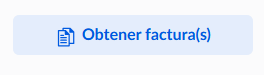
You will now see a list of your orders. To download an invoice, simply click "Get Invoice" next to the relevant order.
 |  |  |
Remember, if you need further information about your inquiry, you can contact us by calling 900 907 503 or through our contact section on our website https://www.makro.es/contacto-makro |
Was this article helpful?
That’s Great!
Thank you for your feedback
Sorry! We couldn't be helpful
Thank you for your feedback
Feedback sent
We appreciate your effort and will try to fix the article