All your invoices will be available both on the Makro website and in the Makro Companion app.
In addition, you will be able to adjust your settings to receive links to each invoice by email from the same menu. Please remember that you must have your Makro card(s) correctly linked to your digital account in order to access them.
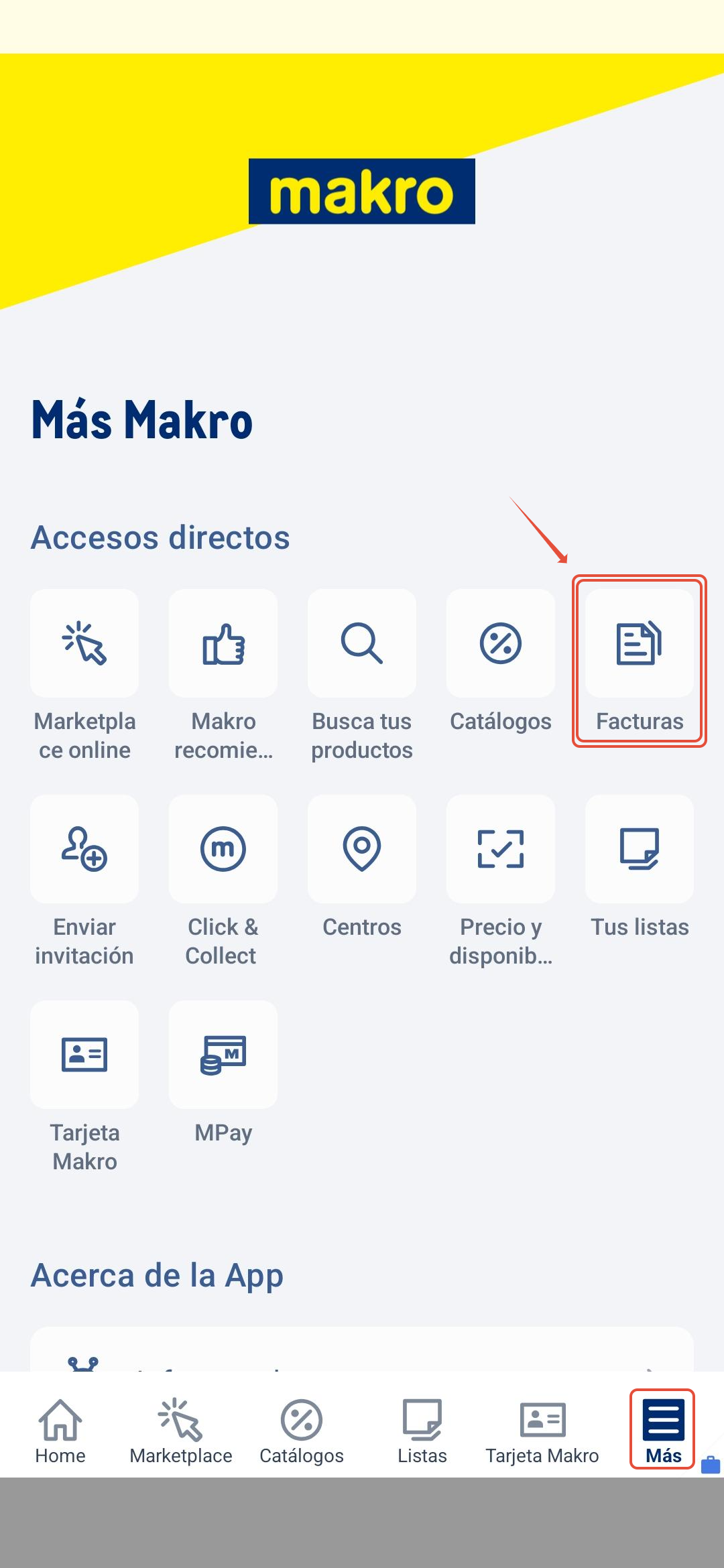
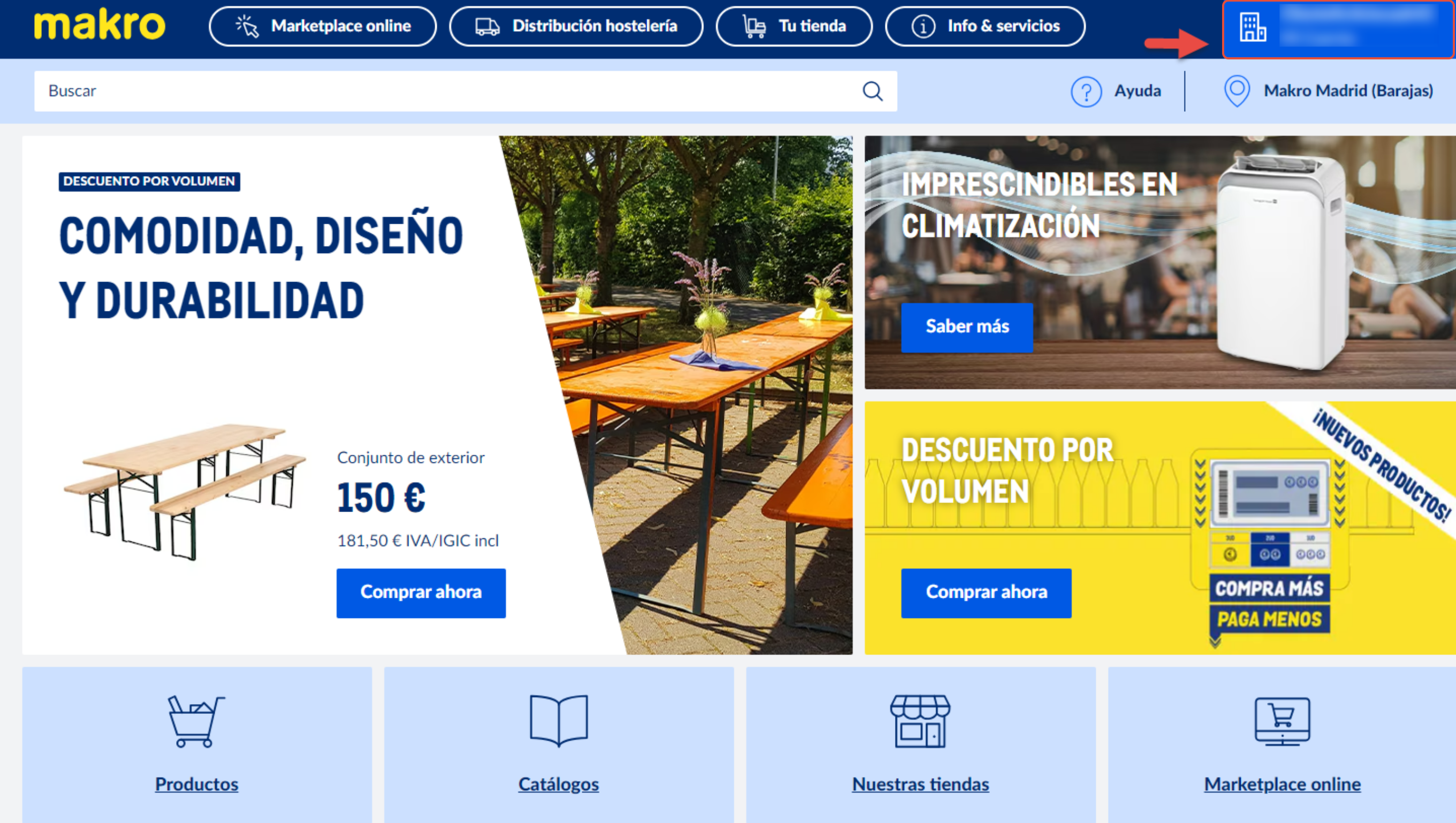
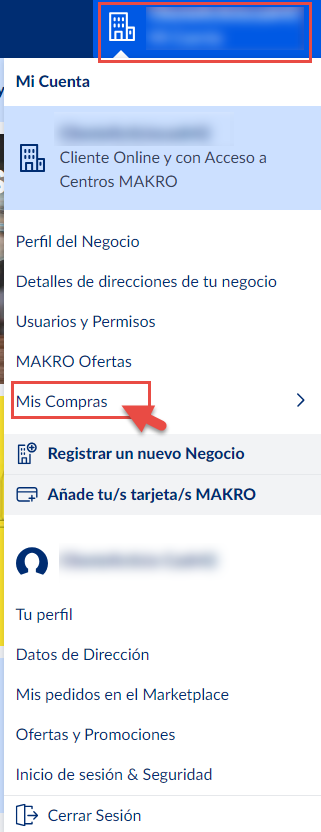
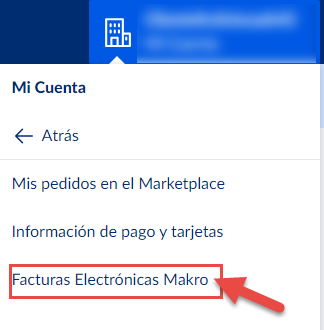
Make sure you log in with the same digital account you have linked your Makro card.
Remember, if you need further information about your inquiry, you can contact us by calling 900 907 503 or through our contact section on our website https://www.makro.es/contacto-makro |
Was this article helpful?
That’s Great!
Thank you for your feedback
Sorry! We couldn't be helpful
Thank you for your feedback
Feedback sent
We appreciate your effort and will try to fix the article